Client Setup
Create client records, enable widgets, assign allowed domains, and keep each installation tied to the right website.
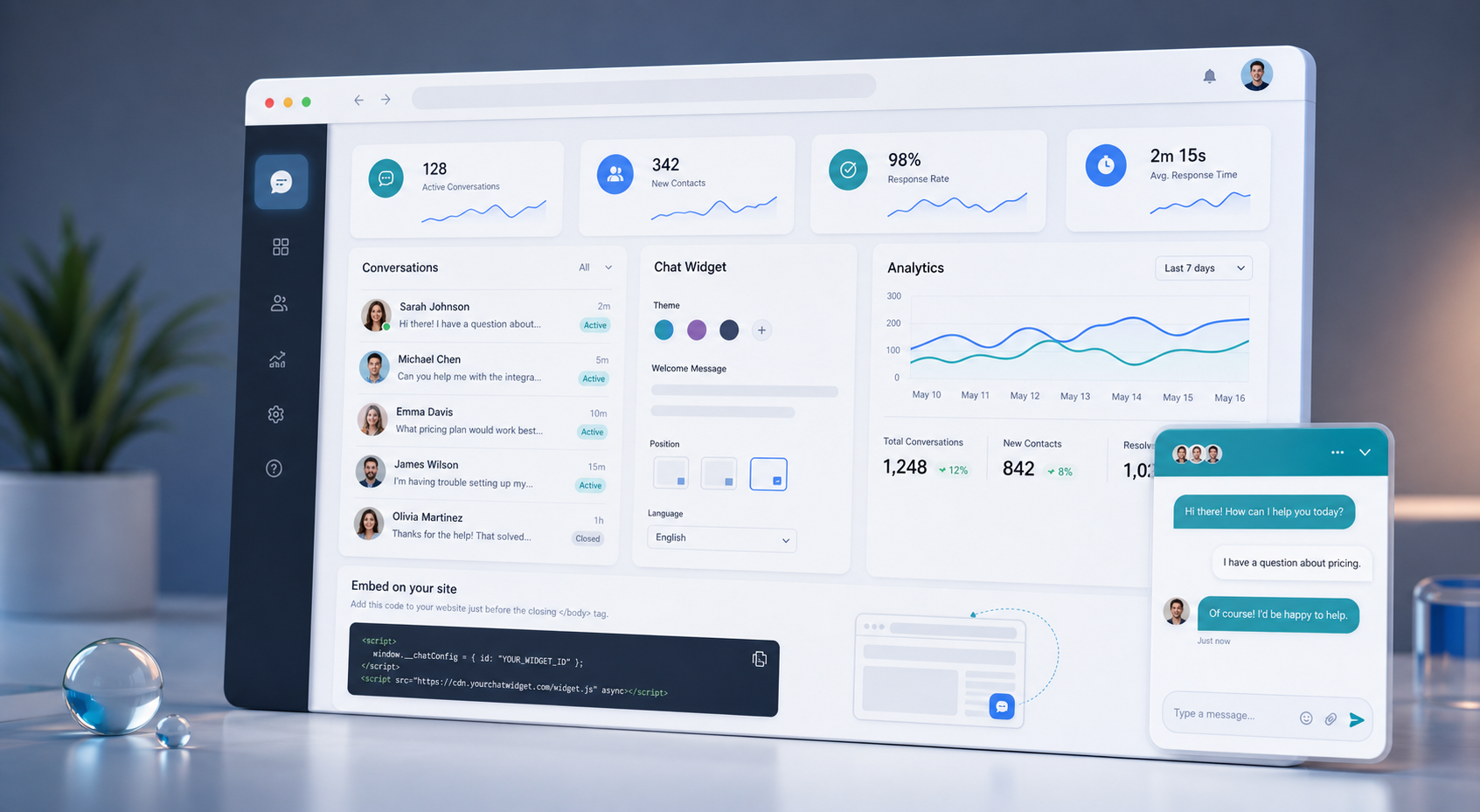
Website chat, lead capture, and response management
Add a branded chat widget to client websites, collect visitor details, manage conversations from one inbox, and generate a clean embed script for every client.
What it handles
The dashboard keeps client configuration, domain rules, widget styling, embed generation, and conversation follow-up in one place.
Create client records, enable widgets, assign allowed domains, and keep each installation tied to the right website.
Review visitor messages, reply from the admin panel, and keep active conversations moving without switching tools.
Generate a one-line script for each client and preview the widget before adding it to the live site.
Workflow
The setup flow is built for repeatable client onboarding: configure once, paste one script, then manage every message from the dashboard.
Store the client record and define which website domains are allowed to load and submit widget messages.
Set the launcher label, greeting, brand color, placement, visitor fields, and optional AI auto-reply behavior.
Paste the generated script before the closing body tag, then handle new visitor conversations from the admin inbox.
Use the protected admin area to configure clients, generate scripts, and reply to conversations.